Set up a Family Circle
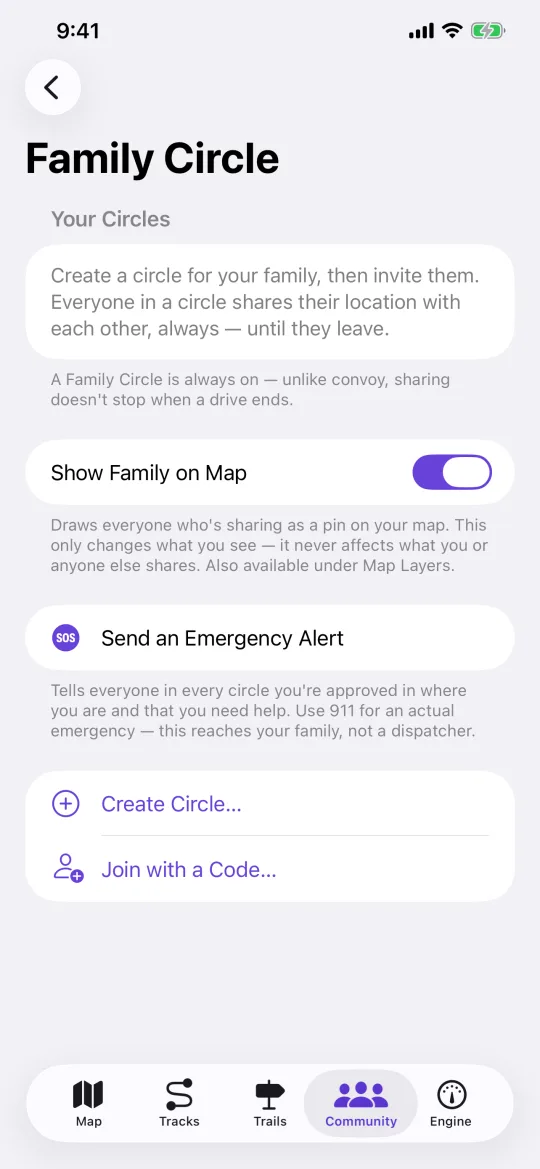
A Family Circle is always-on location sharing between people you have approved. Convoy does the same thing for the length of a single ride.
Steps
-
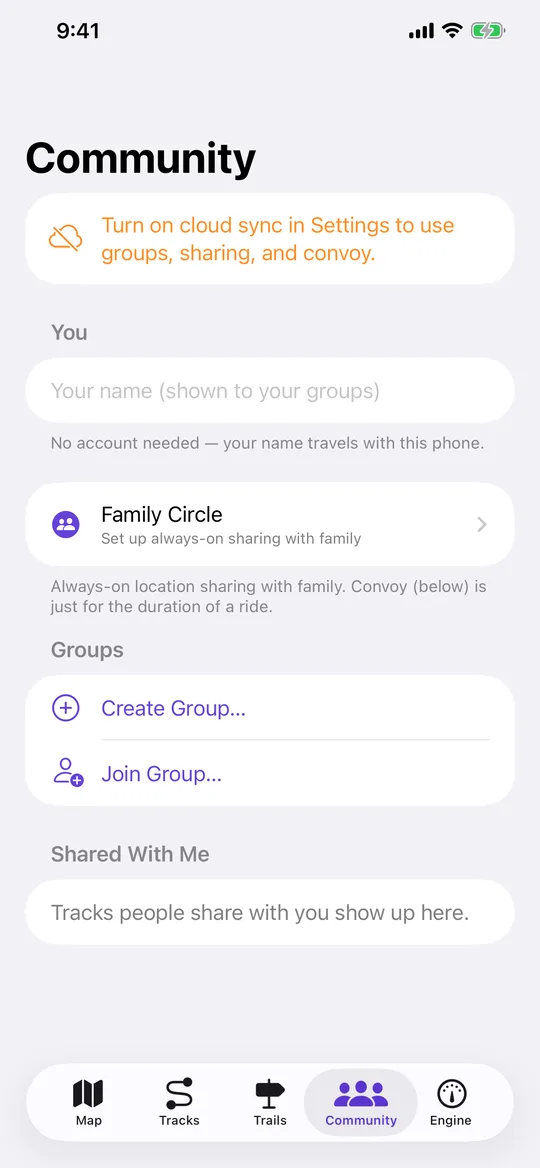
Turn on cloud sync
Settings → Sync tracks to navgps.app. Circles run through the backend, so this has to be on. -
Create the circle
Community tab → Family Circle → Create Circle. You get a six-character invite code. -
Send the code
Give the code to whoever is joining. They enter it on their own device in the same place. -
Approve each member
Joining does not share anything. The owner approves each person first, and until then nothing of theirs is visible and nothing of yours is sent to them. -
See everyone on the map
Approved members appear as pins on the Map tab. Tapping a pin opens their details, including their recent drives if they are sharing them.
Worth knowing
- NavGPS asks for Always location permission only once sharing starts, because iOS stops delivering position to a backgrounded app otherwise.
- Crash detection, if enabled, alerts your circle — not emergency services. It asks you first with a countdown so a pothole doesn't call anyone.