Turn on sync so your tracks aren't only on the phone
Everything in NavGPS works without an account, and your phone stays the source of truth. Sync adds a copy on navgps.app — which is what makes a lost phone survivable, and what the sharing features run on.
Steps
-
Turn sync on
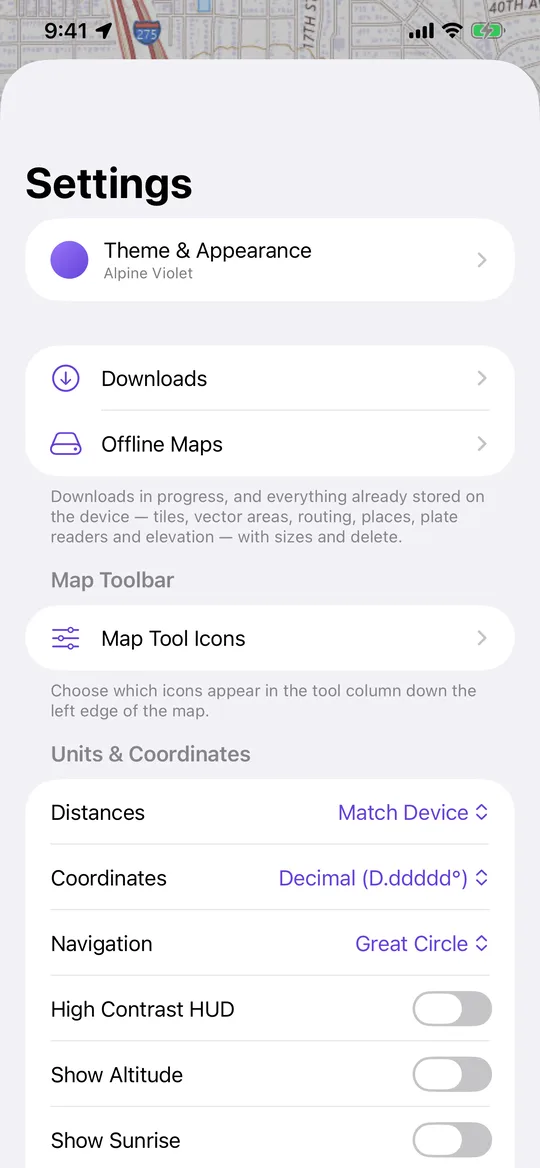
Settings → Sync tracks to navgps.app. -
Let it register
The app sets itself up. There is no email, no password and no account to create. -
Watch the first sync
Settings shows the last sync time and any error. Sync Now pushes everything pending if you would rather not wait. -
Check it from a browser
Open navgps.app and sign in with a six-digit code to see the same tracks on a full screen.
Worth knowing
- Your phone stays the original. Sync adds a copy rather than moving anything, and a sync that fails partway just tries again — nothing is ever half-uploaded.
- Sync is also the prerequisite for Family Circle, Convoy, sharing a track and publishing to the Trail Library.